
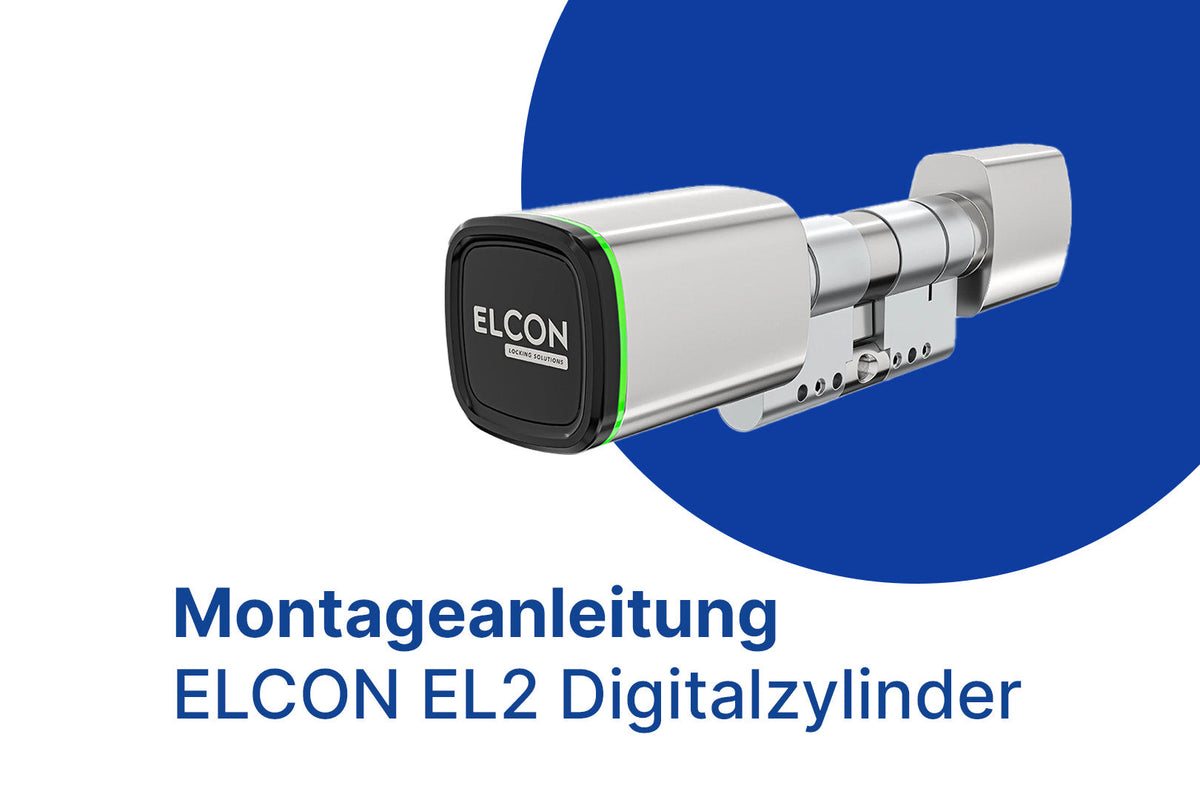
Installing the ELCON EL2 Digital Cylinder sounds more technical than it is. With a little DIY skill, you can replace your old lock cylinder with your new smart lock in under 5 minutes. No drilling, no milling, no specialist required.
In these instructions, we'll guide you step by step through the installation. If you prefer to watch rather than read: You'll find the complete video tutorial below.
What you need for installation
Before you start, gather the following items:
- Your new ELCON EL2 digital cylinder in the correct length
- A Phillips head screwdriver
- Your old key (to remove the existing cylinder)
- About 5 minutes of your time
That's it. No drilling, no milling, no special equipment.
Video Guide: Install EL2 in minutes
Take two to three minutes for the video, then you can confidently get started. The written instructions below serve as a reference during installation.
Step-by-step: Install EL2 Digital Cylinder
Step 1: Measure the door and determine the appropriate cylinder length
The most important step happens before ordering: Measure the correct cylinder length for your door. If the cylinder is too short, it won't fit into the lock. If it's too long, it will protrude unsightly and can become a security risk.
We explain in detail how to measure correctly in our Cylinder Length Guide. Alternatively, the ELCON Compatibility Check can make the selection for you.
Step 2: Unscrew the fixing screw completely
Open your door and look at the narrow side, where the door meets the lock. You'll see a narrow metal strip (the forend), with a screw in the middle: the fixing screw. It holds the lock cylinder in the lock.
Use a Phillips head screwdriver to completely unscrew this screw and set it aside. You'll need it again later.
Step 3: Remove the existing cylinder from the door
Now you can pull out the old cylinder. Insert your old key into the lock and turn it slightly (about 30 degrees) until the cylinder cam is flush with the housing. Only then can the cylinder be pulled out of the door.
If it doesn't come loose immediately, gently wiggle the key and try different positions. The cylinder should then slide out easily.
Step 4: Insert the ELCON EL2
Slide the new EL2 digital cylinder into the opening. Pay attention to the orientation: the side with the electronic module faces the outside of your apartment, the side with the knob faces inwards.
The cylinder should slide in easily. If you feel resistance, double-check the alignment and whether the cam is seated correctly.
Step 5: Reinsert the fixing screw and tighten it
Take the fixing screw from Step 2 and screw it back in. It secures the new cylinder in the lock. Tighten the screw hand-tight, but not with force. If it screws in smoothly, the cylinder is correctly seated.
Tip: If the screw is difficult to grip, the cylinder is probably still off by a millimeter. Briefly wiggle the cylinder until the screw grips cleanly.
Step 6: Attach the knob to the inside
The ELCON EL2 has a knob on the inside that allows you to manually open and close the door. Place the knob on the inside of the cylinder. It will click audibly into place.
Step 7: Tighten the knob correctly
Secure the knob with the supplied screws. Again: tighten hand-tight, do not overtighten. The knob must sit stably and not move when turned.
Step 8: Test the lock with the knob
Before installing the app or assigning codes, test the mechanical function. Turn the knob a few times in both directions and check that the bolt extends and retracts smoothly.
Is everything running smoothly? Then you're done with the installation. Now it's time for setup in the ELCON app: pair the cylinder, create users, assign codes. The app will guide you step-by-step through the initial setup.
Frequently asked questions about EL2 installation
Do I need to drill or mill? No. The EL2 replaces your existing lock cylinder one-to-one. No structural changes to your door are necessary.
What if the cylinder doesn't go into the door? In most cases, it's due to the alignment of the cam. Insert the supplied key and turn it slightly until the cam is flush. If the cylinder still doesn't fit, double-check the length with our Cylinder Length Guide.
Can I remove the EL2 again later? Yes. The installation is fully reversible. If you move house at some point, simply take the EL2 with you and reinsert your old cylinder.
What if I don't feel confident installing it myself? No problem. ELCON also offers professional installation. Simply contact us, and we'll arrange an appointment.
Conclusion
Installing the ELCON EL2 digital cylinder is easier than many think. With a screwdriver, your old key, and about 5 minutes of your time, you can replace your old cylinder with a modern smart lock. No specialist needed, no structural interventions.
The most important step remains the correct cylinder length. If you want to be sure, simply use the ELCON Compatibility Check, it will guide you to the right version in a few steps.
View EL2 Digital Cylinder or go directly to the overview of all digital cylinders.